
Fair Crown Casino
FairCrown Casino

FairCrown Casino App | Play on iOS & Android, Get NZ$10,000 + 500 FS

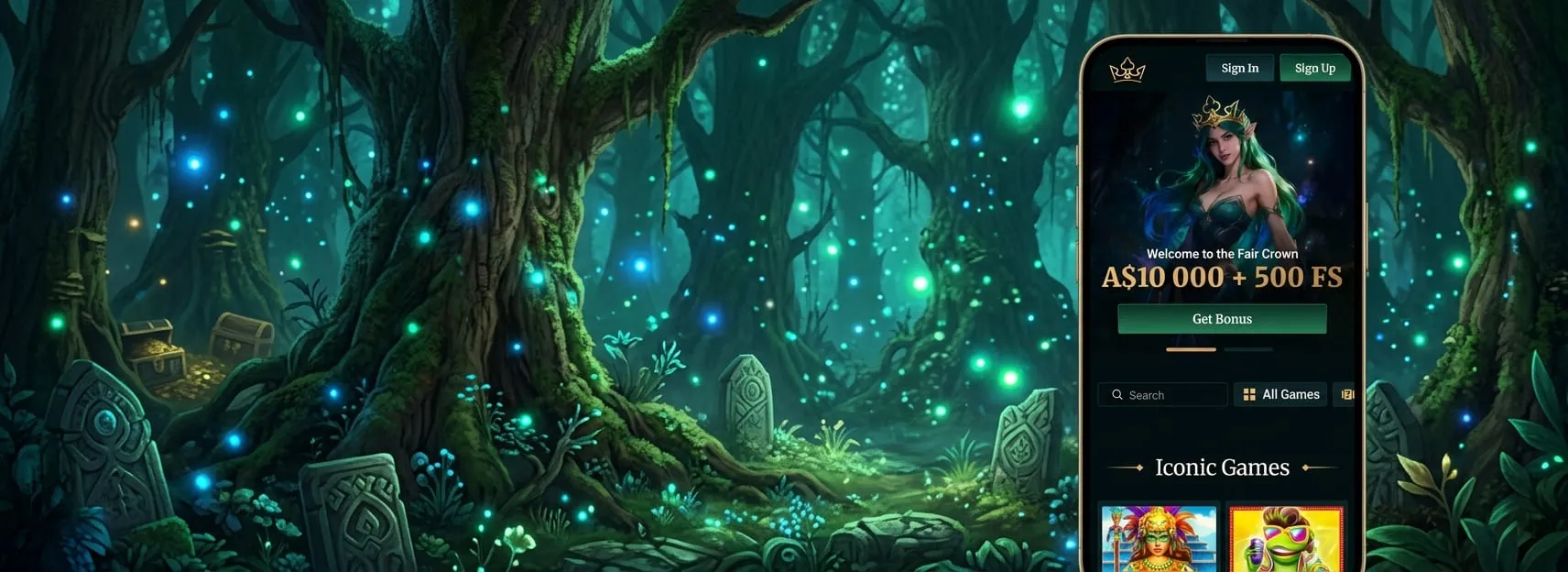
The FairCrown Casino app gives New Zealand players a practical way to access a full range of games and account features from any device. Built for instant play without compromising performance, the app runs smoothly across both Android and iOS platforms. Installation is straightforward, and the Fair Crown app connects players to the same secure environment available on desktop — including promotions, support, and payment options.

FeatureDescription
Software Version1.5.2
APK File Size25 MB
iOS File Size30 MB
Compatible OSAndroid, iOS
Interface LanguagesEnglish, Māori
DownloadingDirect from website
SecurityEnhanced encryption
Bonuses and PromotionsTailored for mobile users
TournamentsFrequent
Payment MethodsCredit/Debit, E-Wallets
CurrenciesNZD
Customer Support24/7 live chat

Bonuses Available on the Fair Crown Casino App

Mobile players have full access to all current promotions through the Fair Crown Casino app, with no offers restricted to desktop only. The welcome pack covers five deposit stages: 120% up to $2,000 + 100 free spins on the first deposit, 100% up to $1,500 + 100 free spins on the second, 75% up to $2,500 + 50 free spins on the third, 75% up to $3,000 + 100 free spins on the fourth, and 100% up to $1,000 + 150 free spins on the fifth.

Weekly promotions are also fully accessible on mobile, including 10% cashback up to $5,000, Thursday Mega Spins with 20 free spins on a $2 bet, a Weekend Lucky Bonus of 33% up to $3,333, and Tuesday Free Spins at three tiers — 30, 50, or 100 free spins per deposit. All bonuses are subject to standard wagering requirements and validity periods, which can be reviewed in the promotions section of the app.

Bonus TypeEligible GamesBonus Description
Welcome PackPokies, Table Games, Live CasinoFive-stage deposit bonus up to $11,000 + 500 FS total
Weekly CashbackAll Games10% return on losses up to $5,000
Tuesday Free SpinsPokies30, 50, or 100 FS per deposit

How to Install the FairCrown Casino App

Installing the FairCrown Casino app is a quick process that works the same way on both Android and iOS. The Fair Crown app is accessible directly from the casino’s official website, and the whole setup takes only a few minutes from start to finish.

Visit the Official Website

Open the FairCrown Casino website in your mobile browser. The download section for the mobile app is clearly signposted on the homepage. From there, select the version that matches your operating system to begin the process.

Download and Set Up

Android users will download an APK file. Before installing, enable installations from unknown sources in your device settings — this is a standard requirement for APK files outside the Play Store. iOS users are directed to the App Store, where the app can be installed with a single tap using the platform’s built-in security protocols.

Launch and Configure

Once installed, open the app and complete the initial setup. The system may prompt you to configure notification and location preferences — adjusting these to your liking improves the overall experience. From this point, the full range of games, promotions, and account features is immediately available through the app’s interface.

Before downloading, confirm that your device meets the compatibility requirements, that you are of legal gambling age in New Zealand, and that your settings allow the necessary permissions. The app supports NZD as the default currency, keeping transactions straightforward for New Zealand players.

Managing Payments on the FairCrown Casino Mobile App

The FairCrown Casino mobile app supports a full range of payment options, giving New Zealand players flexibility when depositing or withdrawing. Cards, e-wallets, and cryptocurrency are all available through the app, with NZD set as the default currency to keep transactions straightforward for local players.

Payment InformationDetails
Payment MethodCards, E-wallets, Crypto
Supported CurrenciesNZD
Minimum Deposit$10 NZD
Withdrawal Processing Time1–3 business days
FeesNo fees on deposits
Security128-bit SSL encryption

Minimum deposits start at $10 NZD, keeping the entry point accessible for players at any level. Withdrawals are processed within 1–3 business days depending on the method selected, and no fees are applied to deposits. All transactions within the Fair Crown Casino app are protected by 128-bit SSL encryption, ensuring that payment data is handled securely at every stage. The app’s payment interface is designed to be clear and functional, so players can complete deposits and withdrawals without unnecessary steps or delays.

FairCrown Android App Installation Guide

The FairCrown Android app requires a minimum OS version of Android 5.0 and at least 100 MB of free storage space. The APK file is sourced directly from the casino’s verified servers, and each installation goes through security checks to ensure the file is clean and compliant before it runs on your device.

  1. Open the FairCrown.nz website in your Android browser.
  2. Download the APK file directly from the secure download section.
  3. Go to Settings > Security and enable installations from unknown sources.
  4. Find the downloaded APK in your files and tap to begin installation.
  5. Follow the on-screen prompts to complete the setup.

Before the download starts, the system checks for device compatibility and available storage. A stable internet connection is required throughout the process. KYC and age verification are enforced before full app access is granted, in line with New Zealand regulatory requirements. The Fair Crown Android app is built to perform consistently across a wide range of Android devices, and the installation process is designed to be completed in a few minutes without requiring technical knowledge.

FairCrown iOS App Setup and Compatibility

The FairCrown iOS app is available through the App Store and is compatible with devices running iOS 12.0 or higher. Around 150 MB of free storage space is required, and account authentication protocols are in place to keep access secure from the first login.

Key requirements for installation:

  1. iOS version 12.0 or higher.
  2. App Store availability confirmed for New Zealand region.
  3. Approximately 150 MB of free storage space.
  4. Active account with completed authentication.

Before installation, a few checks are worth completing on your end. Confirm that your Apple ID is set to the correct region, that your internet connection is stable, and that your device permissions allow the app to function as intended. These steps are straightforward but help avoid common setup issues. The Fair Crown iOS app goes through standard App Store review processes, which means it meets Apple’s security and performance requirements before reaching your device. Once installed, the app provides full access to the platform’s games, promotions, and payment options — the same experience available on desktop, optimised for iPhone and iPad use.

FAQs

  • Does the FairCrown app support push notifications for promotions?

    Yes, push notifications can be enabled during the initial setup or adjusted later in your device settings. Notifications alert you to new promotions, bonus activations, and account updates, making it easier to stay on top of available offers without having to check the platform manually.

  • Can I access the Wheel of Fortune feature on the Fair Crown Casino app?

    The Wheel of Fortune is fully accessible through the mobile app. Silver tier and above players can spin for prizes including free spins and cash rewards. All wheel-based promotions available on desktop are mirrored in the app, so no features are lost when switching to mobile.

  • Is the FairCrown Casino mobile app available in Māori language?

    Yes, the app interface supports both English and Māori, making it one of the few platforms catering specifically to New Zealand cultural preferences. Language settings can be adjusted within the app’s account or display settings section after installation is complete.

  • What should I do if the FairCrown app crashes or freezes during gameplay?

    Try clearing the app cache first, then restart the device. If the issue persists, uninstalling and reinstalling the latest version usually resolves performance problems. Contact the 24/7 live support team if crashes continue, as they can check for account-level or server-side issues affecting your session.

  • Can I use the Fair Crown app download on a tablet device?

    Both Android tablets and iPads are supported, provided they meet the minimum OS requirements. The interface adjusts to larger screens automatically, giving tablet users a more comfortable layout for pokies and table games without any reduction in functionality or game availability.

  • Does the FairCrown Casino app save my login details?

    The app includes a secure login memory option that can be enabled in your account settings. This allows faster access on return visits without compromising security. Two-factor authentication is also available and recommended for players who want an additional layer of protection on their account.